ArticlesGetting started8 min read
Moving a school off Excel without losing a month
The risk is never the software. It is the fortnight when nobody is sure which copy of the fee register is the real one.
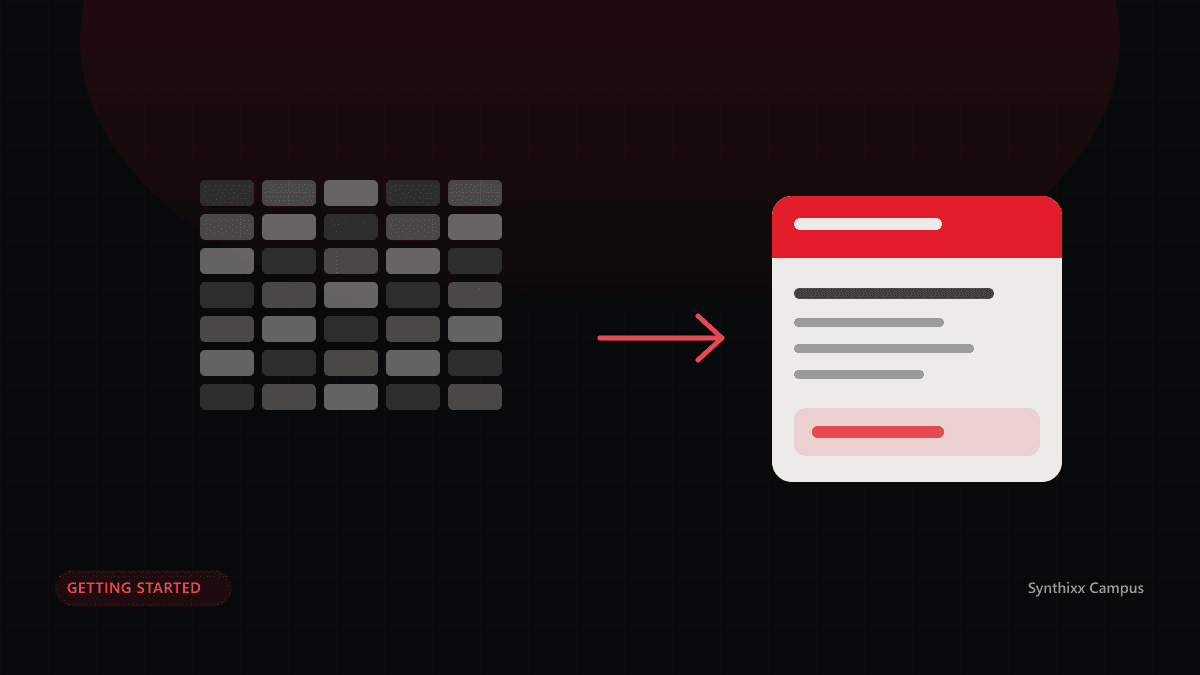
The spreadsheet is not the problem. The problem is that there are four of them, one is on a laptop that goes home at night, and the only person who knows which is current is on leave. Schools do not move off Excel because Excel is bad; they move because the school has outgrown the number of people who can hold the whole picture in their head.
The risk in moving is not the software. It is the fortnight in the middle when nobody is sure which copy of the fee register is real. Here is a plan that removes that fortnight.
Week one: clean the data, not the software
Most of the work in this project has nothing to do with any product. Open the student list and look for the things that will become errors later.
- Duplicate children. Sort by father’s name and date of birth rather than by name. The duplicates appear immediately.
- Class names that disagree. “5”, “Five”, “V” and “Class 5” are one class in four spellings. Pick one and replace the rest.
- Dates in three formats. Decide on one and convert everything before you import, not after.
- Students who left. Every school is carrying names that stopped coming two sessions ago. Mark them now, or you will be paying attention to them for another year.
- Fee amounts that live in somebody’s head. Write down the amount for every class, and for every campus if you have more than one. This is the step schools skip and regret.
Week two: import, then check what came in
Import classes first, then students, then the fee amount for each class. An import that tells you which rows it could not read is doing its job; one that silently drops them is storing up a discovery for March.
Three checks before you go further, each of which takes ten minutes:
- Count the students per class in the new system and in the spreadsheet. They should match exactly.
- Pick five families with more than one child and confirm each child landed in the right class with the right fee.
- Pick the three students with the most complicated history — a mid-year joiner, a sibling discount, a transfer between branches — and confirm all three look right.
Do not import last year’s daily attendance. It is a great deal of work for a record nobody will read, and attendance has value from the day you start, not before.
Week three: run one month twice
This is the week that earns the trust. Generate the month’s fees in the new system and keep the old register going. Record every payment in both. It is genuinely a double shift for the office for a few weeks, and it is the cheapest insurance available.
Give the parents their access now
Hand out the parent codes during this month rather than after. Families looking at their own fees will find errors faster than any internal check — an amount against the wrong child is invisible in an office and obvious to the father who is paying it.
Week four: compare the two arrears lists
At the end of the month, print the outstanding list from both systems and put them side by side. Every difference has a cause, and the cause is almost always one of four things:
- A discount that existed in somebody's memory and in no file.
- A part payment recorded as fully paid in the old register.
- A student who changed class mid-month and was charged twice.
- A payment entered against a sibling rather than the child.
Every one of those is worth finding. They were in your school before the software and they will follow you into it if you do not look. When the two lists agree, you are done — and only then do you stop the old system.
After the switch
- Add one thing at a time. Fees first, attendance the week after, exams before the term ends. A school that turns on everything at once teaches nobody anything properly.
- Export a CSV of students and payments once a month and keep it somewhere else. Not because you distrust the system — because you have just learned what one copy of the truth is worth.
- Decide who is allowed to record a payment and who is not, and set the roles that way on day one rather than after an awkward conversation.
Doing it on Synthixx Campus
Classes, students and fee amounts import from the spreadsheet you already keep, and the import reports the rows it could not read instead of dropping them. Parent and student codes are generated for you. Fees, attendance and exams can be switched on separately, so the week-by-week plan above is how the product is meant to be adopted rather than a workaround. Everything exports back to CSV whenever you want it.
The step-by-step guide shows each of these screens with real screenshots, and the live demo lets the office try the whole thing on a school full of data before anybody signs up for anything.
Questions
When is the best time to move?
The start of a session is cleanest, because the fee structure is being set anyway. The second best time is the start of any month. The worst is three weeks before exams, when nobody in the building has attention to spare.
What should we import first?
Classes, then students, then fee amounts. Attendance and results can start fresh from the day you switch; there is rarely value in importing last year's daily register.
Should we run both systems at once?
For one month, yes, for fees only. Enter the month in both, compare the two arrears lists at the end, and investigate every difference. That month is what buys you the confidence to stop.
What usually goes wrong?
Names. The same child entered twice under two spellings, a class called "5" in one file and "Five" in another, and dates of birth in three different formats. All of it is visible before you import if you look.
How long does it take?
A small school can be running in an afternoon. A school with multiple campuses and a messy spreadsheet should plan four weeks, most of which is cleaning data rather than using software.
What if we want to go back?
Export everything to CSV and keep it. Any system worth using lets you take your records out whenever you like — check that before you put anything in.